
12 Best Plugins for OpenAI Dots (2026)
Artin Bogdanov · September 29, 2026 · 14 min read

Each week, we receive another major announcement about AI. It's always exciting, and that makes us feel a bit like we're missing out, but eventually you begin to wonder: what on earth am I going to use this for? Is it just empty talk or actually a new breakthrough?
The new Dots from OpenAI come with their own cloud computer and browser and are able to work together with your connected applications. For the majority of people, the first useful task will be something straightforward, for example, searching for a document, checking on the progress of a project, or getting ready for an upcoming meeting. It might also be something more personal, such as producing a podcast or a book summary so that you can listen to it while you're going to work.
That's the reason why plugins are so useful. OpenAI is taking the ecosystem idea seriously. For this reason, we have selected 12 OpenAI plugins to enhance your ChatGPT Dot.
Quick comparison
| # | Plugin | Best for | First task to try | Paid from |
|---|---|---|---|---|
| 1 | SUN | Turning any topic or file into audio | A podcast sized to your commute | $15/mo |
| 2 | Linear | Product and engineering issues | A cycle summary before standup | $10/user/mo |
| 3 | GitHub | Code, pull requests and review history | What changed since the last release | $4/user/mo |
| 4 | Zapier | Moving information between apps | Logging flagged support messages | $19.99/mo |
| 5 | Airtable | Structured records that need many views | Partners who haven't replied in a week | $20/user/mo |
| 6 | Todoist | Personal tasks and small projects | Turning messy notes into tasks | $5/mo |
| 7 | Calendly | Customer calls, interviews and consultations | Prep notes for tomorrow's meetings | $10/seat/mo |
| 8 | Intercom | Support conversations | This week's recurring problems | $29/seat/mo |
| 9 | Salesforce | Accounts, deals and activity | A briefing before a customer call | $25/user/mo |
| 10 | Asana | Cross-team projects with dependencies | Replanning a delayed launch | $10.99/user/mo |
| 11 | Dropbox | Shared files with many versions | Finding the latest deck | $9.99/mo |
| 12 | Trello | Simple boards and cards | Cards that are stuck or have no owner | $5/user/mo |
1. SUN, Intelligent Audio

Imagine SUN as being similar to ChatGPT but for podcasts. Podcasts are just one of the things it can produce for you. You simply have to give a description of what you want in the form of a prompt and/or upload a file, after which SUN creates a podcast, an audio course, an audiobook, a book summary, a meditation, a fictional story for children or adults, or even music. You can select the length and voice, specify what you would like to hear, and then the magic takes place.
For instance, you could enter a prompt such as “Generate a 35-minute podcast on how to fundraise for my B2C seed-stage startup in the audio sector,” or “Prepare a 20-minute audio course concerning how to negotiate my salary after my first year working as a product designer at Walmart Labs,” or “Produce a 15-minute story in Spanish about my seven-year-old son, Sam, who travels throughout the universe and through time with his friend Angela,” and then listen to it while driving to school with your children. You should mention the listener's age, the things they already know, and the tone you'd like. Including these details helps to determine the final output.
Once SUN is connected, you can tell your Dot what kind of listening experience you'd like, and SUN will then create it for you. It's attractive to get a podcast that matches the question you've asked and the amount of time you actually have.
Pricing: Your first generation is free. Premium is $15 a month for 7,200 credits, or $99 a year for 86,400 credits. Credits never expire.
Pros
- Turns a prompt or a file into a podcast, audio course, audiobook, story or meditation
- You choose the length, voice and language
- Listen on the web or in the iOS and Android apps
Cons
- Longer or more frequent episodes use more credits
- Audio needs a quick listen before you share it widely
2. Linear
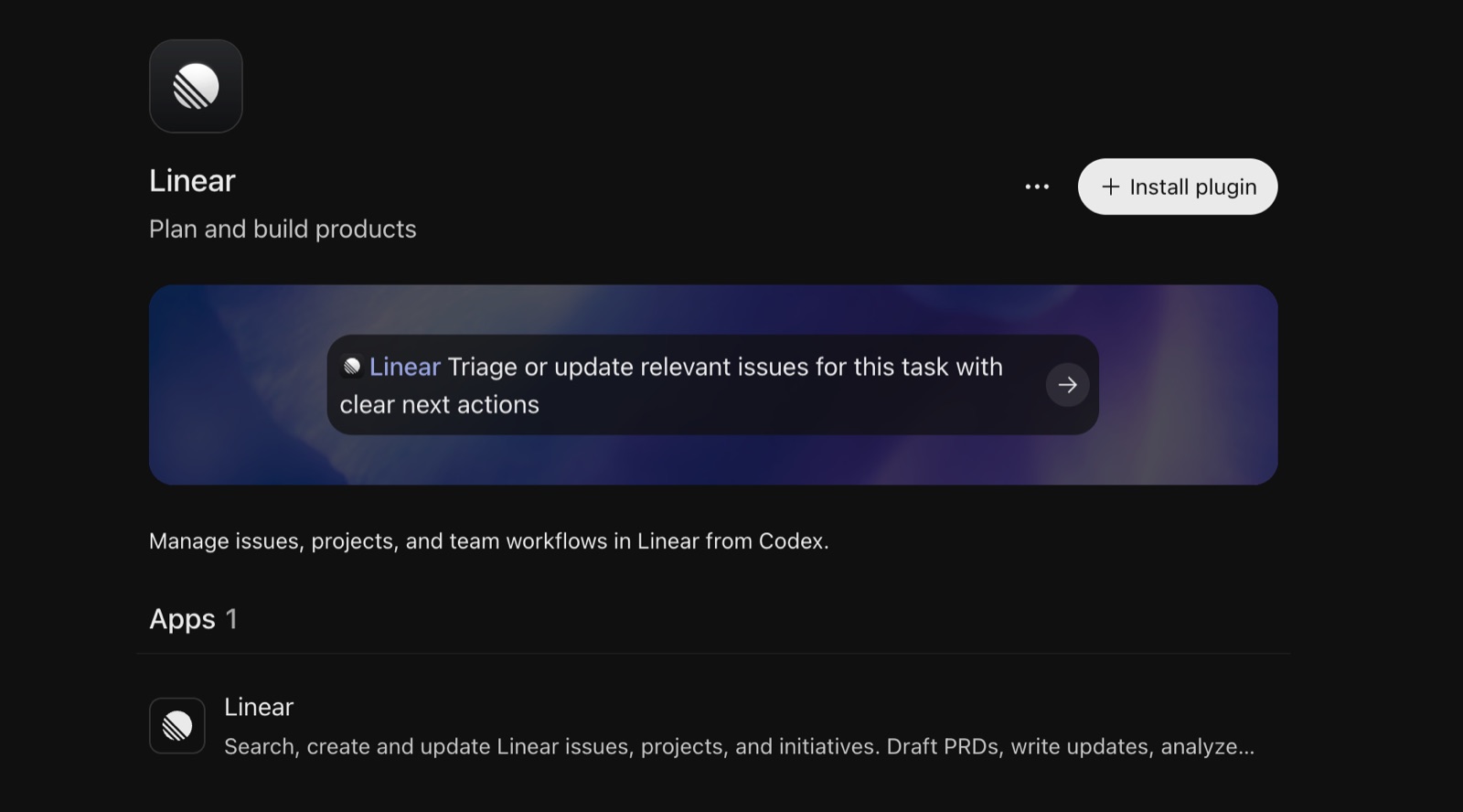
Linear is the tool in which many product and engineering teams store their issues, plan their development cycles, and keep records of their releases. If your team is already using it, then it makes sense to provide Dot with some context about the features being developed.
Most tickets that are stuck have some sort of explanation behind them: perhaps someone is waiting for a design decision, an API hasn't yet been prepared, or the requirements were altered partway through. The status alone doesn't give you much information.
Ask for something such as "Review the issues in our current cycle. Summarize what has happened this week, identify any blocks, and provide a link to the comments explaining the reasons." This way you will have useful material to go through before the standup without having to open each ticket yourself.
It's worth looking into the task of getting the bug reports that come in ready for triage: this involves identifying similar problems, collecting the steps needed to reproduce the issue, and preparing a ticket for review. Although the team is still responsible for deciding which issues should have priority, the information is much easier to work with.
Pricing: Free plan (250 issues, 2 teams). Basic starts at $10 per user a month, billed yearly.
Pros
- Issues, cycles and comments give your Dot real project context
- Good at standup summaries and triage prep
Cons
- Linear's pricing table lists MCP access on Business ($16 per user) and Enterprise
- Summaries are only as good as the ticket comments behind them
3. GitHub
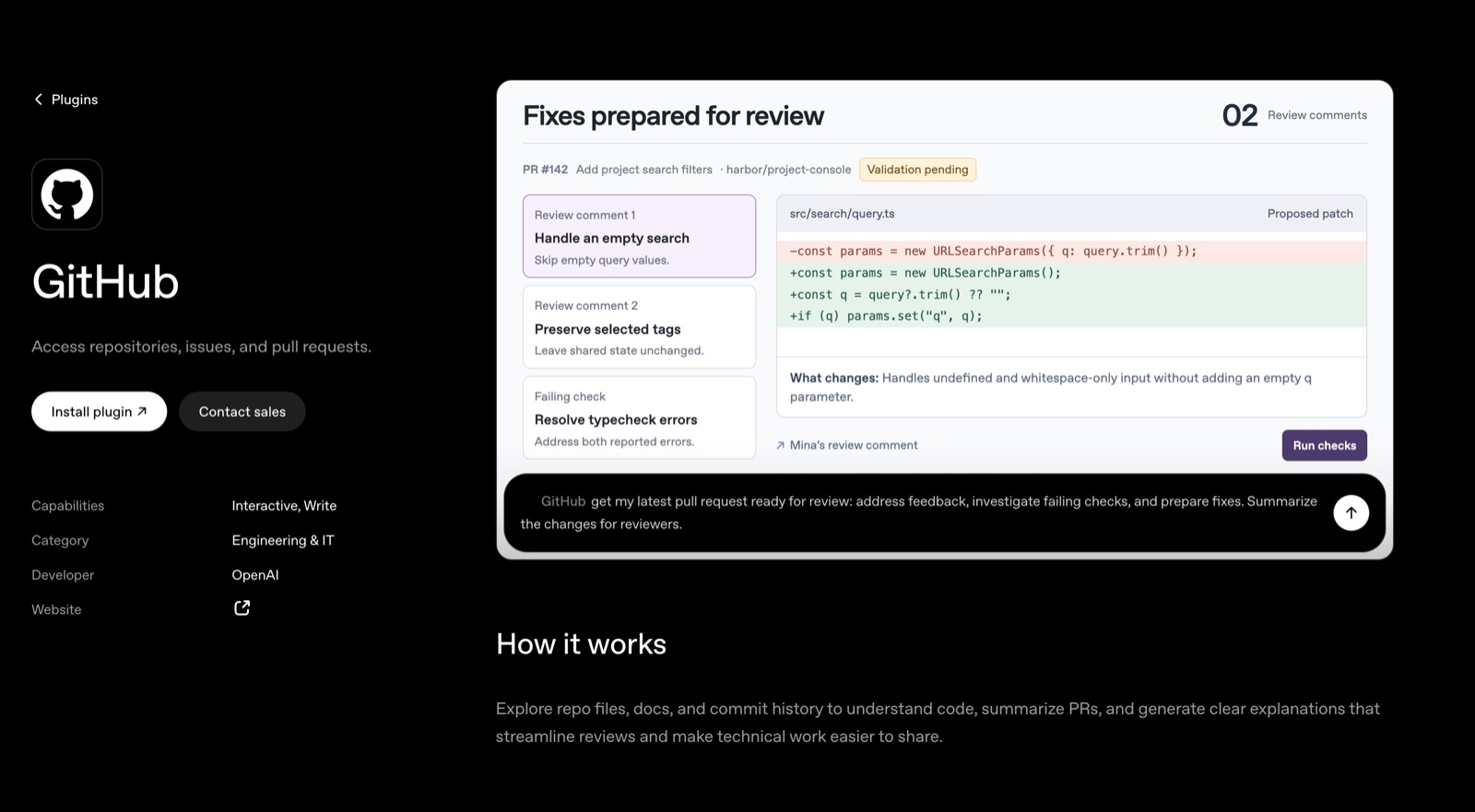
GitHub stores the code, but it also contains a great deal of the reasoning associated with it, such as the discussions in pull requests, the issues, the review comments, and the history of earlier changes.
It is therefore useful when dealing with questions that would otherwise require a developer to search through various parts of the code. An example of this is "Find everywhere we still use the old authentication helper" and another is "What changed in the billing code since our last release?"
A plain-language summary of a release could be prepared by an agent and it could refer to the relevant pull requests for a product manager or a founder. For a developer, it could trace a bug that had been reported, locate the tests associated with it, or look into why a previous implementation had adopted a specific approach.
Start off by taking on a small task whose result you can verify; ask for the files, commits, or discussions that underlie the answer. When you're satisfied with the quality of the work done in this way, you may then look at assignments that require proposing changes to the code.
Pricing: Free plan available. Team is listed at $4 per user a month.
Pros
- Code, pull requests, issues and review history in one place
- Answers can point to the exact files and commits behind them
Cons
- Start with read tasks you can verify before letting it propose changes
- Large repositories make broad questions slower and less precise
4. Zapier
Zapier is worth looking into if the processes you're dealing with involve several apps and you have to transfer the same information between them.
Take customer feedback; a message is received, it is copied into a tracker by one person, a ticket is then created by another, and finally someone updates the customer. Although each individual step is minor, the entire process is easy to forget.
To investigate a flagged support message you could add it to a feedback log and then prepare an issue including a link to the original conversation. Your Dot could be used to define the steps and to determine the information that is needed at each one, making use of the actions available via your connections.
A good place to start is by using a process that you can explain clearly. You should work out what will set it off, how you'll prevent duplicates, and what action to take if a step fails.
You'll obtain more benefit from a reliable workflow than from one that has ten intelligent steps which no one understands.
Pricing: Free plan (100 tasks a month, two-step Zaps). Professional starts at $19.99 a month billed annually, or $29.99 monthly. Each MCP tool call uses 2 tasks.
Pros
- Reaches thousands of apps that have no plugin of their own
- Good for repeatable workflows with a clear trigger
Cons
- Connects through Zapier's MCP server rather than a one-click install
- Tool calls count against your task allowance
5. Airtable
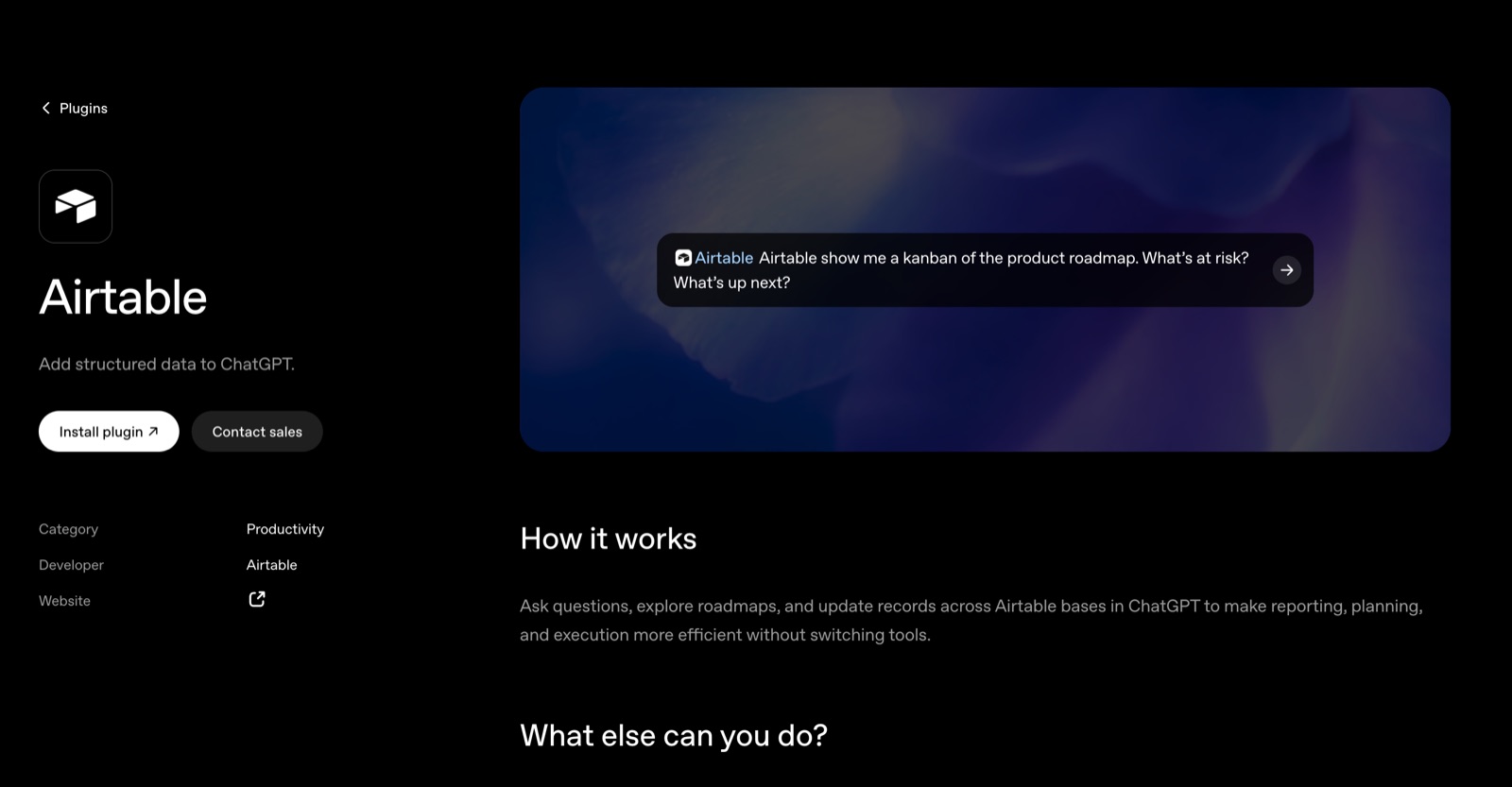
Airtable is great for storing information that doesn't fit anywhere else, like creator partnerships, campaign results, research participants, content calendars, or a growing list of leads.
It is particularly useful in cases where you have structured records but still need different views of them. For example, a marketing manager may wish to know which partnerships are waiting for a reply and a researcher might want a list of those participants who have completed an interview but have not yet received their incentive.
For instance: "Review our creator partnership base. Show me all the people we contacted more than a week ago who haven't replied, grouped by campaign." That is a specific question which has a practical answer.
An agent could likewise be used to spot missing fields, inconsistent labels, or possible duplicate records. Before making changes to the base I would examine those suggestions, especially if other workflows rely on its structure. And in the case where the records are out of date, that issue should be addressed first.
Pricing: Free plan available. Team starts at $20 per user a month, billed annually.
Pros
- Structured records with filtered views your Dot can query
- Useful for spotting missing fields and duplicates
Cons
- Review suggested changes first if other workflows depend on the base
- Out-of-date records produce out-of-date answers
6. Todoist
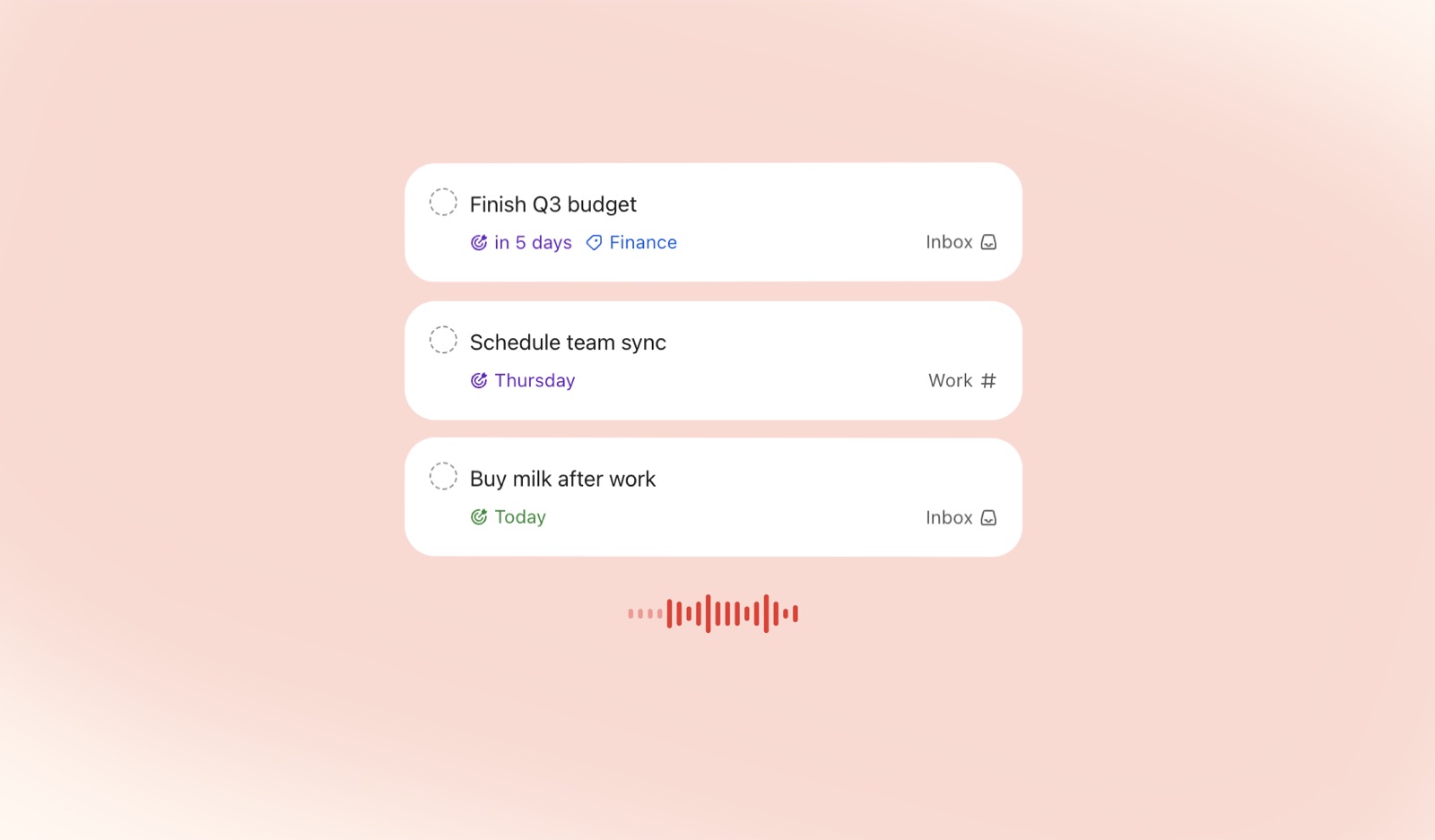
Todoist is a good choice for managing personal tasks and small projects, especially when you don't need a team workspace. Sometimes, you just need a spot to jot down the five things you remembered while walking home.
An agent would be able to convert a disorganized list into a series of tasks that include useful descriptions, project assignments, and deadlines where such deadlines have actually been set. You could provide it with the notes from meetings or give it a few reminders, after which you could check over what it had extracted.
Try saying: "Sort these notes into work-related and personal tasks. Use the dates I gave, and leave all the rest without a deadline."
That final instruction is important because a list can become quite stressful very quickly if every thought that occurs is scheduled for tomorrow.
You might also request assistance in planning your day around the amount of time you have, for example by saying, “I have an hour before my next meeting. Which of the tasks on this list could I actually finish?” The quality of the answer will improve if the tasks you have include sufficient detail so that the effort can be estimated.
Pricing: Free plan (5 personal projects). Pro is $5 a month billed yearly, or $7 monthly. Business is $8 per user a month billed yearly.
Pros
- Turns messy notes into tasks with projects and dates
- Cheap, and simple enough for personal use
Cons
- Built for personal and small-team work, not large projects
- Time estimates are only as good as the task details
7. Calendly
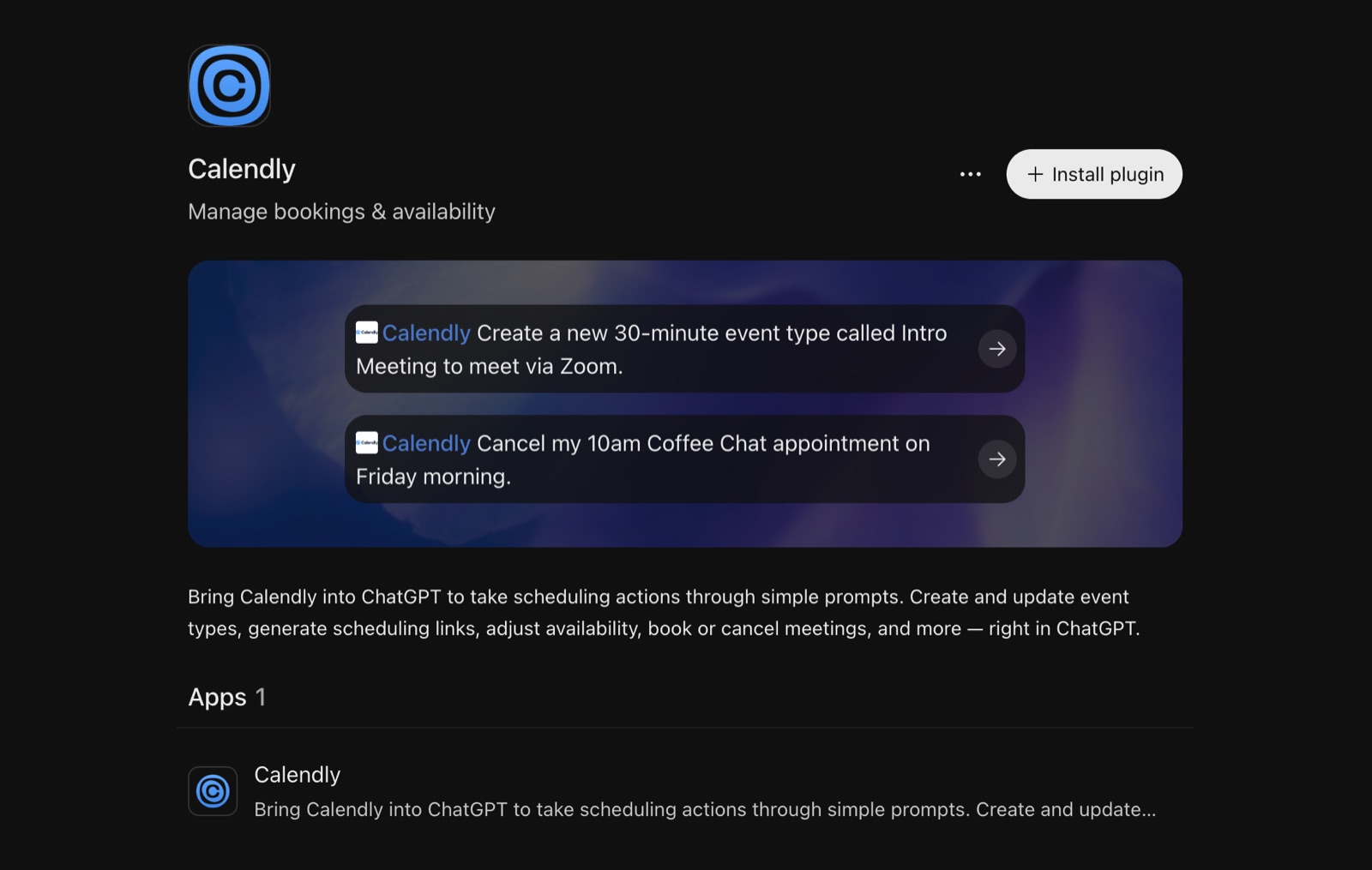
Calendly enables people to arrange time to see you without having to go through a lengthy exchange of their availability. Whenever you take customer calls, interviews, sales meetings or consultations, it eliminates a regular administrative task.
Even so, there is still some work associated with each booking. Why is the other person meeting you? What has been discussed so far? Is there anything you have promised to bring?
Your Dot could create a brief consisting of booking details together with your calendar, email, or CRM, depending on the connections available. For example, you could ask: "Prepare some notes for the customer interviews planned for tomorrow, including each person's booking responses and any previous feedback that we have."
It might also be useful to check your scheduling arrangements. If calls tend to run over or if you never have time to take notes between them, ask it to propose modifications to the length of the meetings and the buffer times. You can then decide for yourself whether such changes suit the way you work.
Pricing: Free plan (one event type, one calendar). Standard is $10 per seat a month, billed annually.
Pros
- Creates, updates and cancels bookings from a prompt
- Pairs well with your calendar and email for meeting prep
Cons
- The free plan is limited to one event type
- Prep notes depend on what people wrote when they booked
8. Intercom
Intercom is a good source of information on how customers experience your product, since support conversations usually show confusion, missing features, and bugs well before these problems become clearly evident in a dashboard.
It is valuable for a founder to read those conversations, but it is easy to fall behind when one is busy with the building work.
Something suitable for your Dot would be to carry out the following instruction: “Examine the support conversations from this week, group the problems that occur repeatedly, indicate how many of the conversations refer to each problem, and include with each one representative examples together with links.” It should also be asked to tell the difference between a bug that has been confirmed, a request for a new feature, and a case where a user needs assistance with an existing feature.
The fact that it is specified makes the report more useful since 'People are having onboarding problems' doesn't indicate specifically what should be done; it only gives you a starting point to know that several customers couldn't find the upload button.
You might also create help articles based on common questions. It's important to have someone check the instructions against the current product before publishing them.
Pricing: No free plan (14-day trial). Essential is $29 per seat a month billed annually, plus $0.99 per Fin outcome.
Pros
- Support conversations surface bugs and confusion early
- Can group recurring problems with example conversations
Cons
- Its MCP server works for US and EU workspaces, not Australia yet
- Help articles it drafts need checking against the current product
9. Salesforce
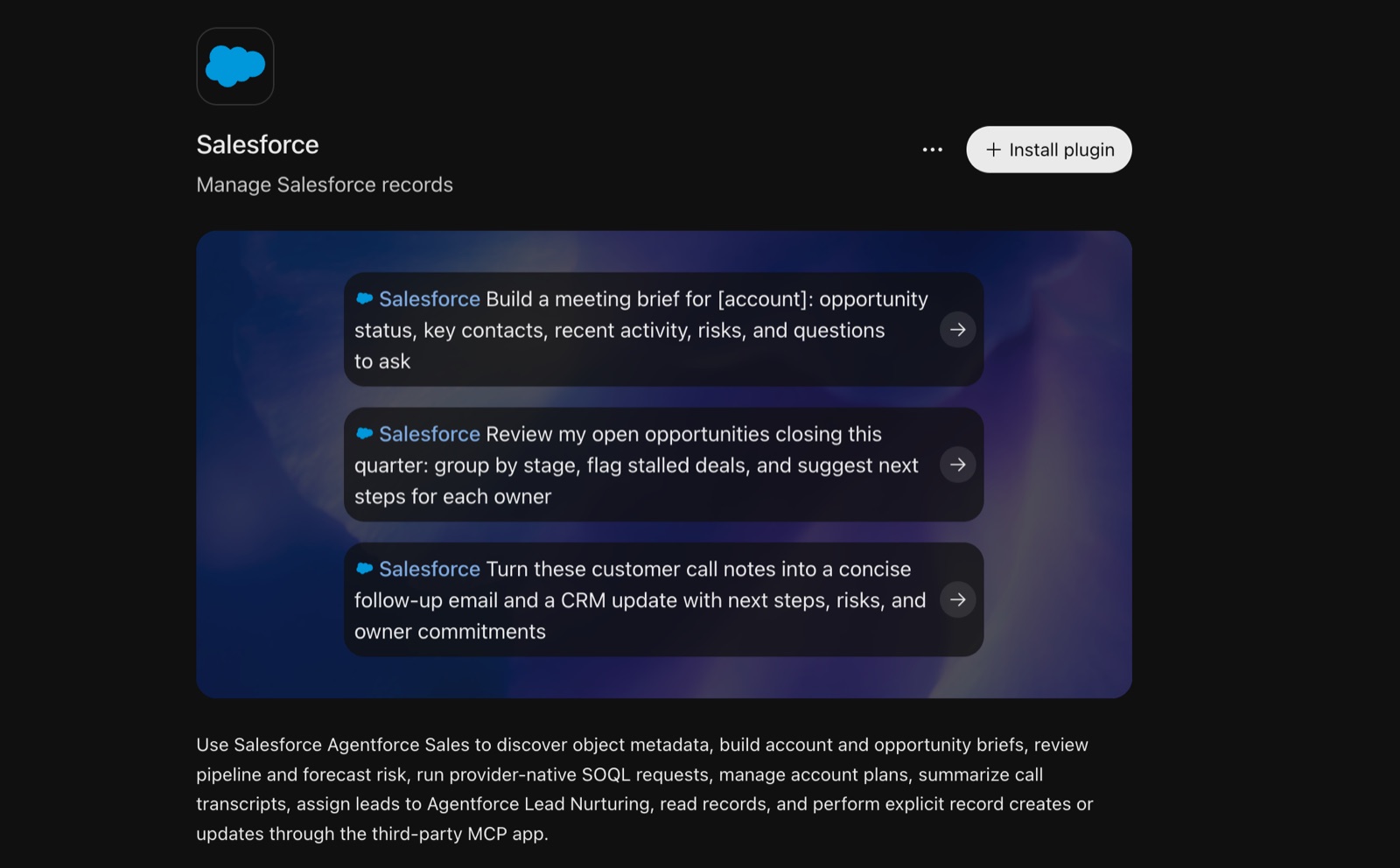
Salesforce provides sales teams with a way of keeping track of accounts, opportunities, contacts, and activity; as a result, a detailed record of the relationship is formed, though it can still be a task to locate the relevant details before a call.
An agent could assist in putting together an account briefing by including the most recent conversation, the present stage of the deal, any unresolved questions, and the commitments that your team has made.
Try saying, "Prepare me for tomorrow's call with that account by summarizing the recent activity, noting the outstanding questions, and providing a link to the records you've used." That is more helpful than a general description of the company.
Another workflow you might want to look at is one that involves reviewing opportunities which have become inactive. Request those deals that have no recent activity or no noted next step and then look at the list yourself. Although a quiet account might require a follow-up, it could also be waiting for a procurement deadline that your agent is unaware of.
It will save time to draw up a follow-up when the situation is clear. Before it is sent out, someone familiar with the relationship should go over the wording and any commitments.
Pricing: Free Suite at $0. Starter Suite is $25 per user a month. Agentforce for Sales is an add-on from $125 per user a month.
Pros
- Account briefings from recent activity, stage and open questions
- Flags stalled deals that need a next step
Cons
- The full Agentforce Sales tools cost significantly more than the Starter Suite
- Someone who knows the account should review any follow-up before it goes out
10. Asana
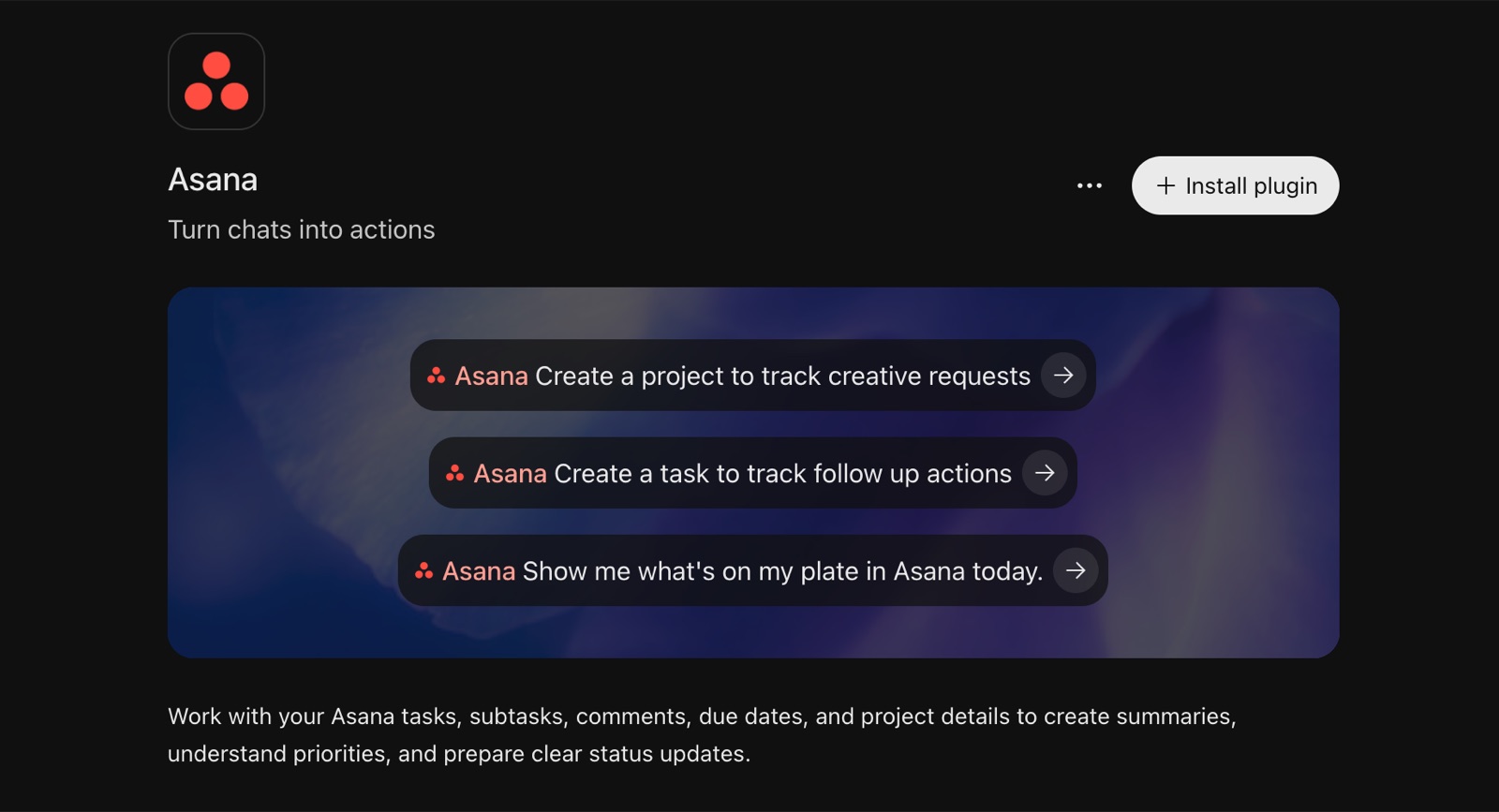
You should consider using Asana if the projects you are working on involve several teams, have a number of deadlines, and include tasks that are dependent on each other.
Launch provides a clear example of this. Although engineering, design, marketing, and customer support each have their own work to do, a change in one of these areas has an effect on the others.
You might direct your Dot to ask: “The launch has been pushed back by two weeks. Please review the project and suggest which dates should be altered, which tasks can carry on, and which owners need to be consulted.” The response should explain the proposed changes rather than just moving all the dates.
It could likewise be used to prepare a weekly project update by collecting the work that has been completed, the decisions that are still open, and the upcoming milestones; this is especially useful in the case where the person preparing the update would otherwise have to go around several teams to get the information.
In order for this to work well the project has to reflect reality, and if the decisions are being made somewhere else then the agent should also be given that context.
Pricing: Free Personal plan for up to 2 users. Starter is $10.99 per user a month billed annually, or $13.49 monthly.
Pros
- Handles dependencies across teams and deadlines
- Good for weekly updates and replanning a slipped launch
Cons
- Only works well if the project reflects what's actually happening
- Decisions made outside Asana need to be given as context
11. Dropbox
Dropbox is a useful way to keep in touch when your work includes a large number of shared files such as presentations, proposals, research, creative assets, and documents which have been through several rounds of editing.
At first, asking 'Where’s the latest deck?' seems like a small thing, until you have three folders with different versions.
An agent would be able to assist in finding the candidates and indicate which one seems to be the current one by referring to details like the dates on which they were last modified and the folders in which they are stored; it should return the link so that you can look at the file directly.
Another example of a request would be: “Compare these two proposals and summarize the changes to the scope, the pricing, and the delivery dates.” Where the file formats and the tools allow it, this can speed up the review process.
Another useful task is finding relevant material. When there's a meeting coming up, you could request the most recent proposal, the supporting research, and the previous presentation all in one place. This means you can avoid carrying out several searches without having to completely reorganize your files.
Pricing: Free Basic plan (2 GB). Plus is $9.99 a month for one user and 2 TB. Standard is $15 per user a month.
Pros
- Finds the latest version of a file and links to it
- Compares two documents and summarizes what changed
Cons
- Only sees files your Dropbox permissions allow
- Comparisons depend on the file format
12. Trello
Trello works well when all you need is a board with cards, like for a small content team, a personal project, an event, or a team with a simple process.
An agent would be able to assist you in picking up where you left off by asking it to summarise the most recent board activity, locate the cards which haven't moved for a while, and spot the work that seems ready for review.
A content team could be asked: "Look over our publishing board and say which items are ready, which are waiting for feedback and which have no owner?" This will give you a better understanding of the situation before you plan next week's activities.
I want the system to suggest some housekeeping changes before the cards are archived, since a card that has not been touched could be left aside or might in fact be an idea someone would like to refer to next month.
People like Trello because you can see what's happening as soon as you open a board. It's important to keep automation simple so the board stays useful for everyone.
Pricing: Free plan (up to 10 collaborators and 10 boards per Workspace). Standard is $5 per user a month billed annually, or $6 monthly.
Pros
- Quick board summaries and stuck or unowned cards
- Simple enough that the whole team can follow along
Cons
- Best for simple processes, not complex dependencies
- Ask for suggestions before it archives anything
Where I’d Start
Pick one task that keeps bothering you or one you've always wanted to make time for.
It could be that you're preparing a Monday project update. It might be that you're gathering customer feedback before a product meeting, or perhaps you have a bunch of articles that you want to turn into podcasts to listen to during your commute.
To do that task, connect the right apps, explain what a good result looks like, and review the first few tries. You'll quickly see if the agent needs more context, clearer instructions, or a smaller job.
There's a lot of buzz about always-on agents.
My test is simple: did this help me do something I care about, and was the result good enough to use?
If the answer keeps being yes, give it another job.